
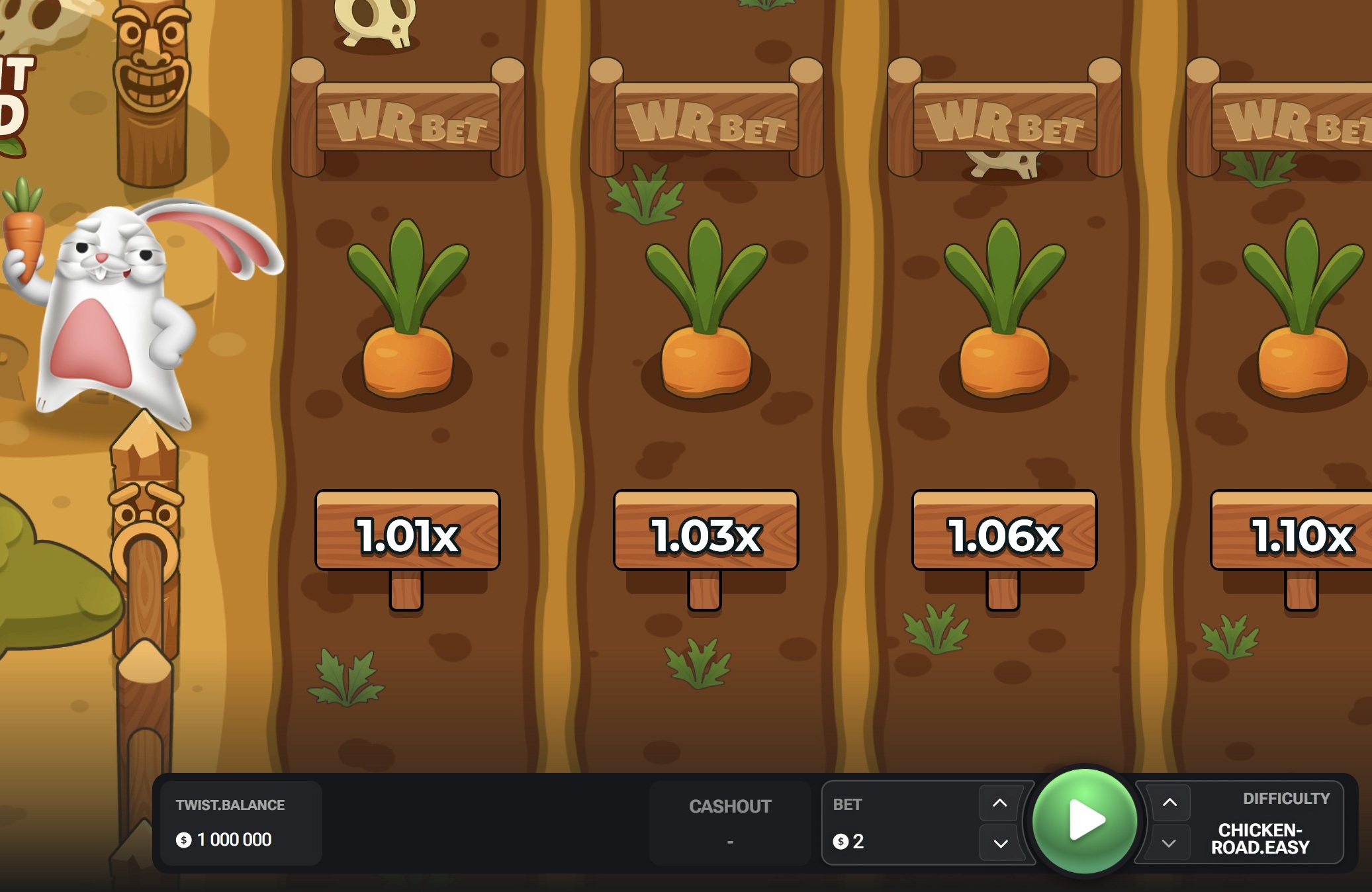
Searching for a Rabbit Road app? The short answer: the game runs in your mobile browser, so there is nothing to download from an app store. This guide explains how it works on Android and iPhone, how to put Rabbit Road on your home screen so it feels like an app, and how to steer clear of fake downloads.
Is There an Official Rabbit Road App?
Rabbit Road is built by InOut Games in HTML5, and the developer does not publish a standalone app for it. The game loads inside your browser and resizes to your screen, so it plays the same on a phone, a tablet or a computer. Some casinos offer their own apps that list the game in their lobby — it is the same game, and it normally requires an account with that operator.
Android is the most common platform in Pakistan, so the Chrome steps below cover most phones. If you use a mobile wallet, enter payment details only on the operator’s own secure page and never in a third-party app.
Rabbit Road on Android
Open Chrome (or any modern browser), go to your operator’s Rabbit Road page and log in. For one-tap access, open the browser menu and choose “Add to Home screen” or “Install app”. The icon appears alongside your other apps and opens the game full screen, without the address bar.
Rabbit Road on iPhone and iPad
- Open Safari and load your operator’s Rabbit Road page.
- Tap the Share button at the bottom of the screen.
- Choose “Add to Home Screen” from the list of actions.
- Tap “Add”. The shortcut now sits on your home screen like any other app.
Safari offers the best compatibility on iOS, although current versions of Chrome and Firefox also run the game.
Operator Apps vs Browser Play
- Browser: no download, always up to date, works on any device and takes up no storage.
- Operator app: can offer faster log-in and notifications, but needs an account, storage space and updates, and availability differs by country and app store.
Beware of Fake Rabbit Road APKs
Because there is no official standalone app, any site offering a “Rabbit Road APK” or a modded version with guaranteed wins is a red flag. Files installed from outside official app stores can carry malware, steal account details or run a rigged copy of the game.
Never do this: Do not install APK files from links in messages, videos or unknown sites, and never enter card or ID details in an app you cannot verify. Play only through a licensed operator’s website or its official store listing.
Requirements and Performance
Any recent phone or tablet with an up-to-date browser and a stable connection is enough. The game is light, so a few minutes of play use little mobile data, but a weak signal can delay your cash-out — Wi-Fi or a strong 4G/5G connection is best. Keep your browser updated and close heavy background apps if the animations stutter.
Tips for Playing on Mobile
- Use a stable connection. Avoid switching networks in the middle of a round.
- Set limits first. Use the operator’s deposit and time limits before you start; it is easy to play longer on a phone.
- Turn on Do Not Disturb. Notifications can interrupt a round at the wrong moment.
- Charge your device. A dying battery mid-round is an avoidable risk.
- Avoid public Wi-Fi. Do not log in to a casino account on open networks.
Is Playing Rabbit Road on Mobile Safe?
Playing through a browser is as safe as the operator you choose. Confirm the casino holds a valid licence, that the address starts with https and shows the padlock, and that the site links to responsible gambling tools. Bookmark the official address instead of searching every time, and keep a screen lock on your phone.
Pros and Cons of Playing Without an App
Pros
- No download or storage space needed
- Always the latest version of the game
- Same game on phone, tablet and desktop
- Home-screen shortcut for one-tap access
- Works with the free demo
Cons
- No dedicated app store listing
- Needs an internet connection
- Browser features differ slightly between devices
Conclusion
You don’t need a Rabbit Road app: the game runs smoothly in your mobile browser, and adding it to your home screen gives you app-style access in seconds. Avoid APK files and modded versions, play only through licensed operators, and set limits before you start. Not registered yet? See our registration guide, or read what to check in a Rabbit Road bonus before you opt in.